
Describe complex layouts with longer prompts
Define panels, columns, labels, subjects, hierarchy, and reading order in one structured brief.
Qwen Image 3 workspace
Create information-rich images from structured prompts, with readable text, precise layouts, multilingual typography, and fine visual detail.
Start with the subject, then define the layout, exact text, visual hierarchy, and finishing details.
Generate 1 images · 16 credits total
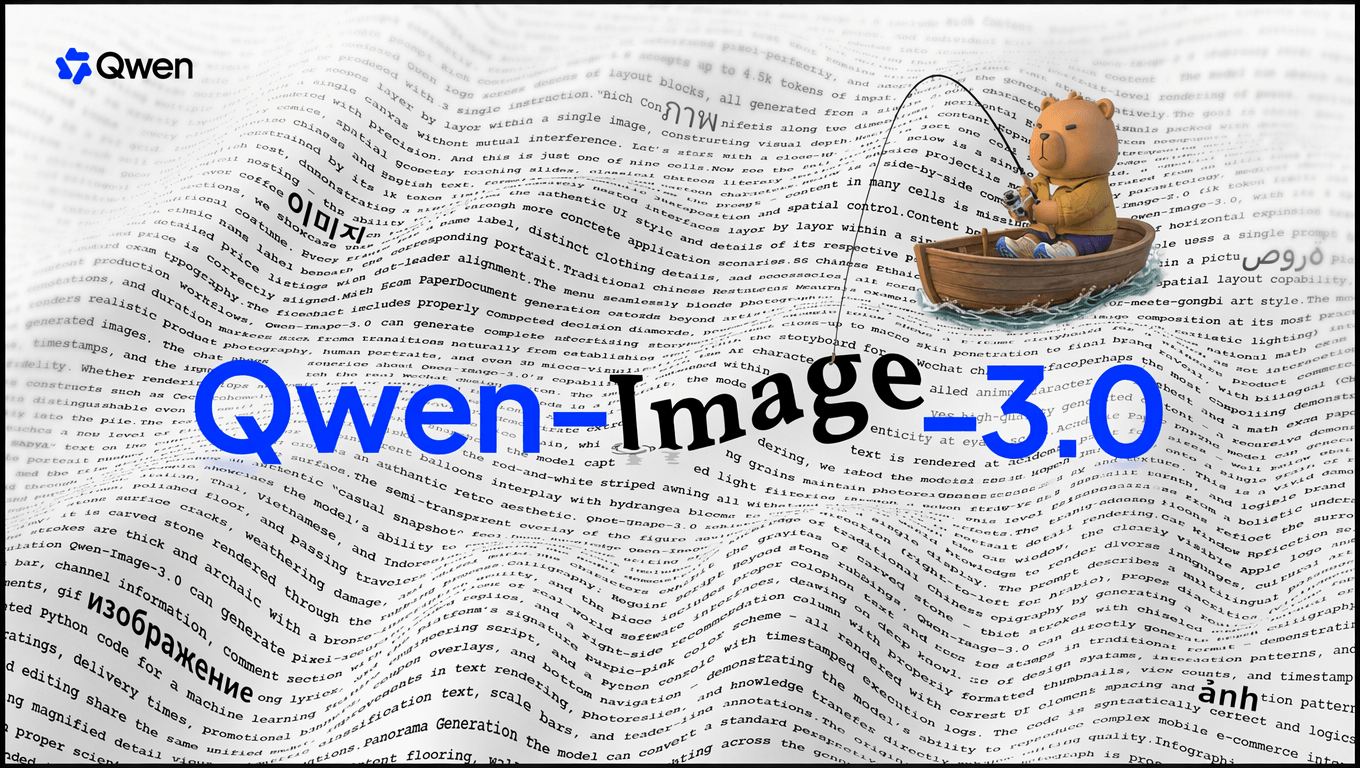
Built for information-rich visuals
Qwen Image 3 is the third-generation image model in the Qwen-Image series. It is designed to follow longer, more structured instructions and compose text, subjects, panels, labels, and fine detail in one visual.
It is especially useful when an image must communicate information as well as mood—from storyboards and interfaces to academic figures, posters, and multilingual editorial layouts.

Qwen Image 3 examples
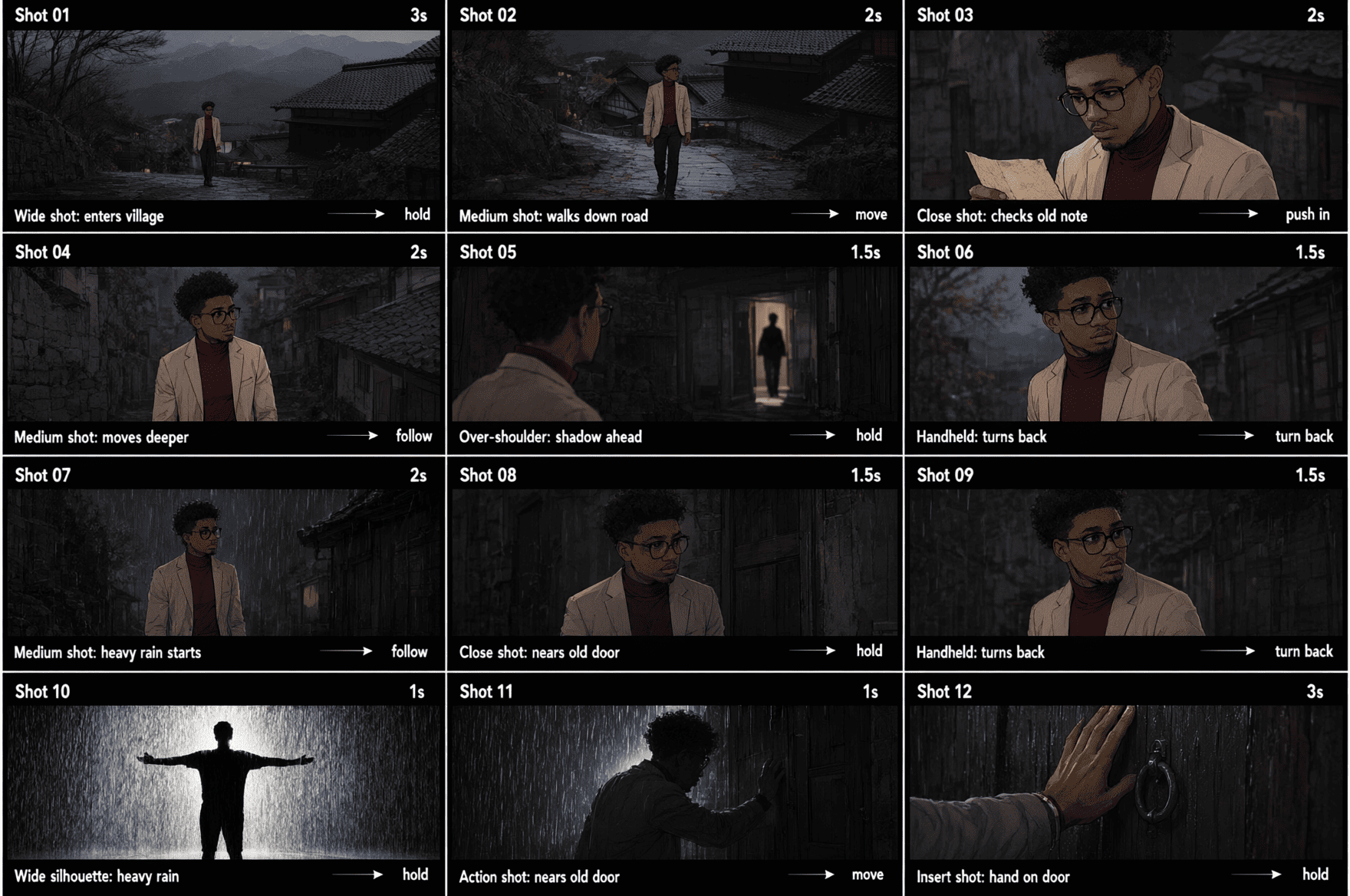
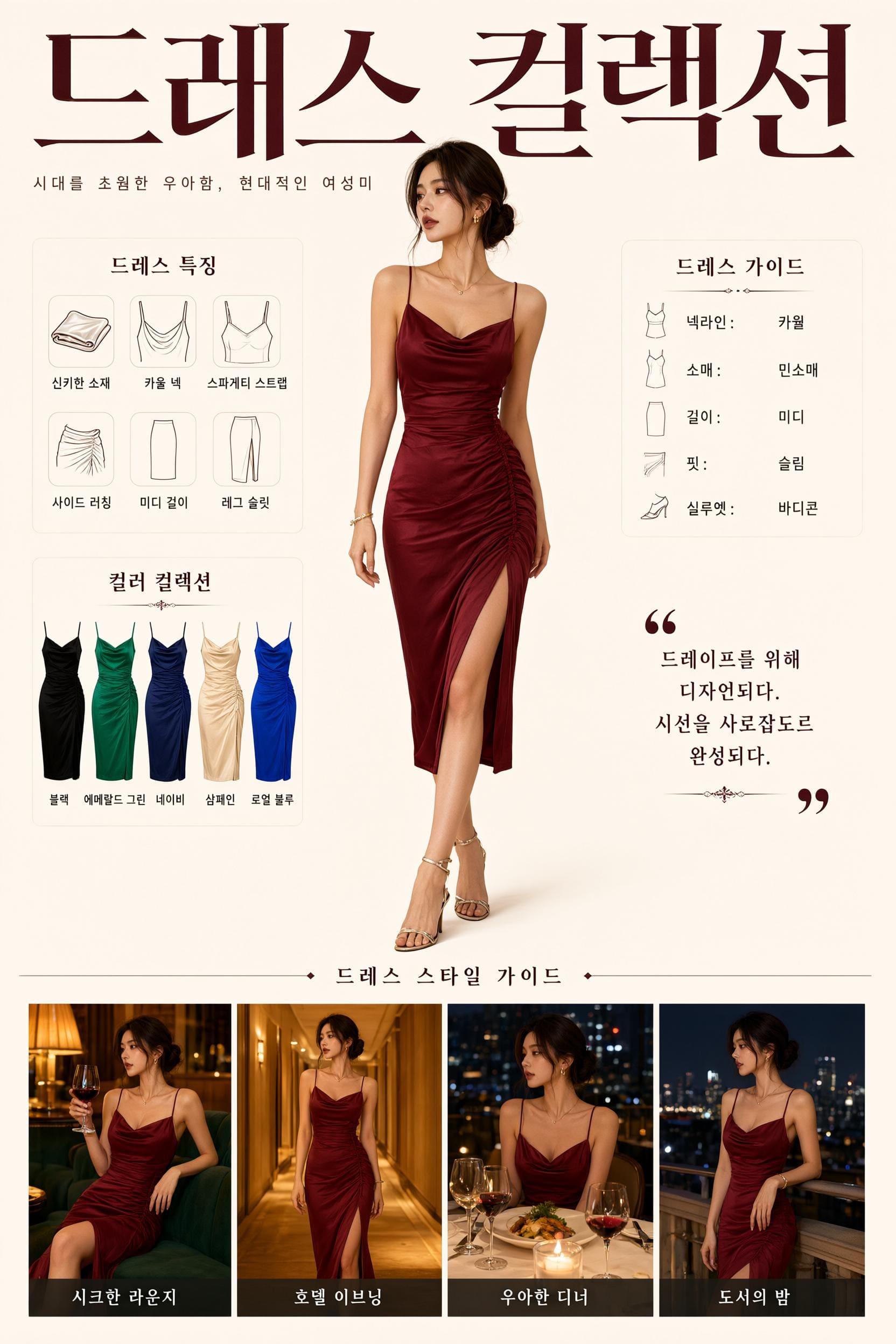
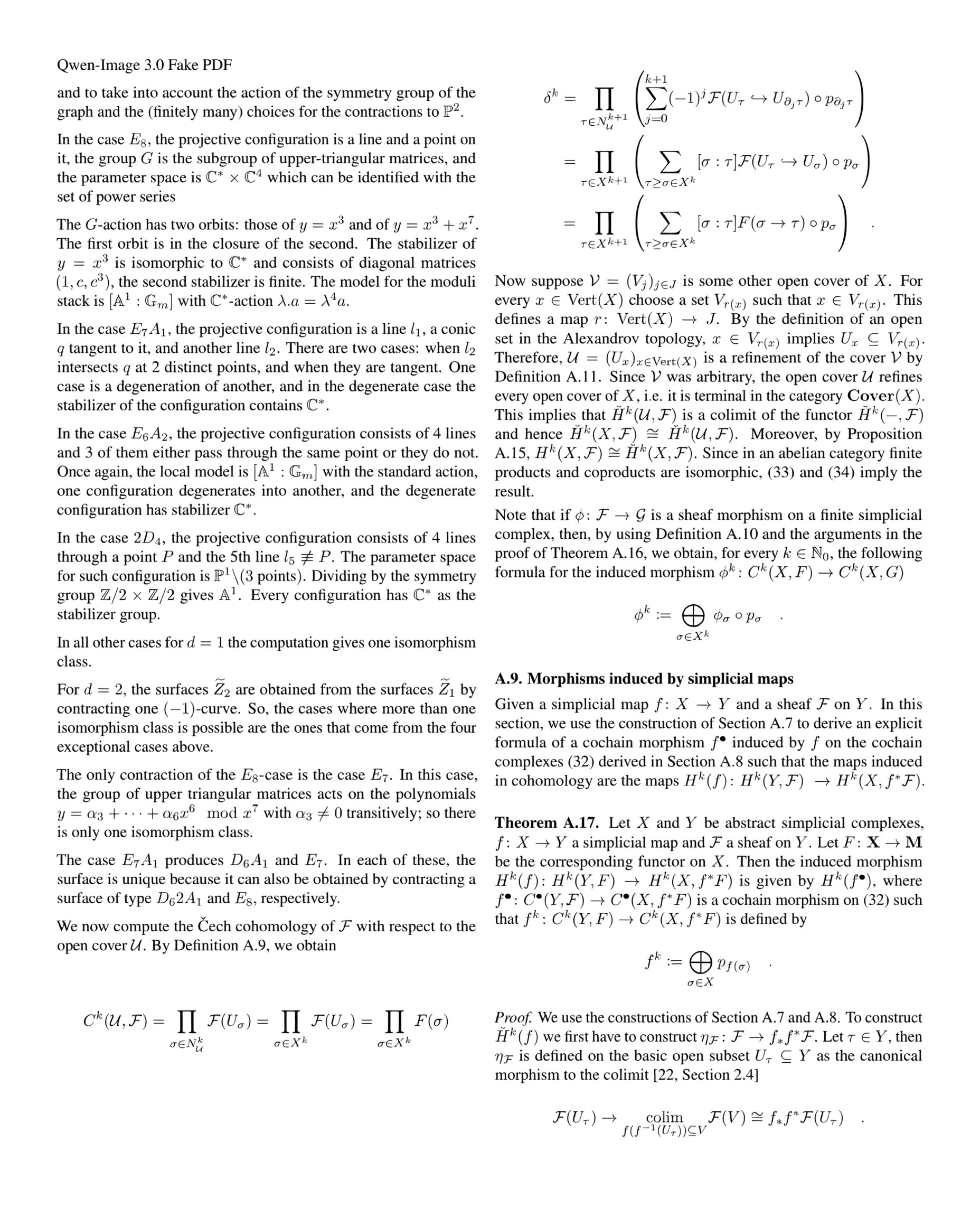
Explore text-heavy layouts, portraits, storyboards, natural detail, interfaces, and practical visual material created for different communication goals.


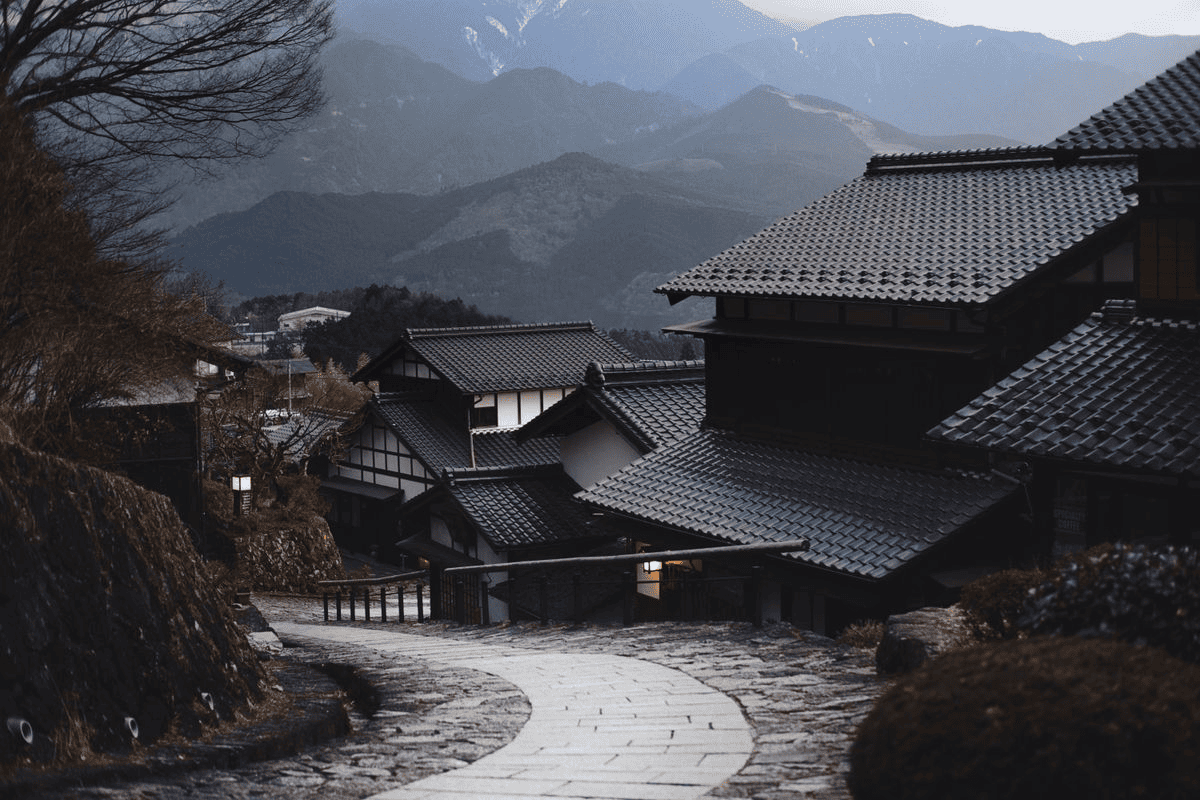
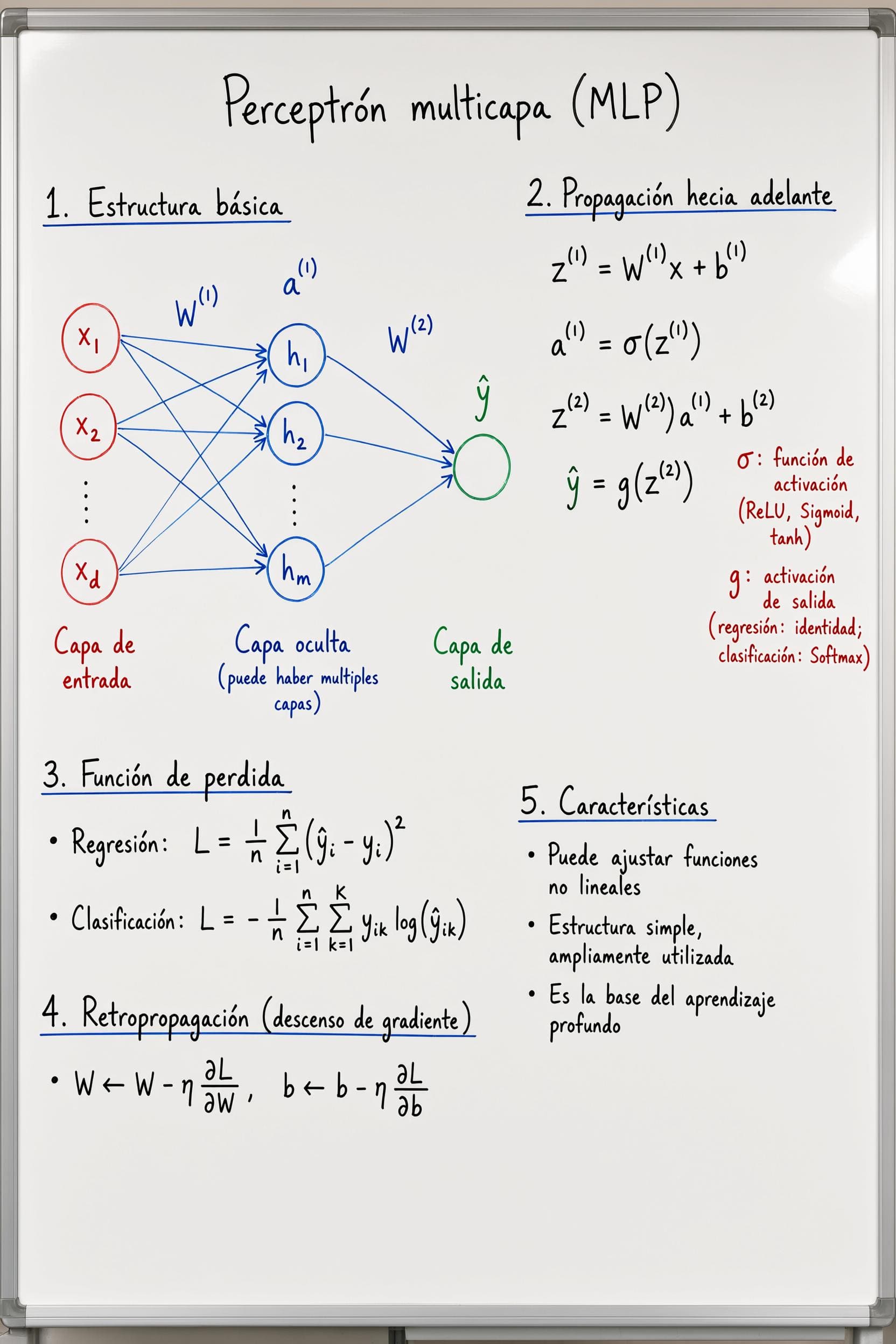
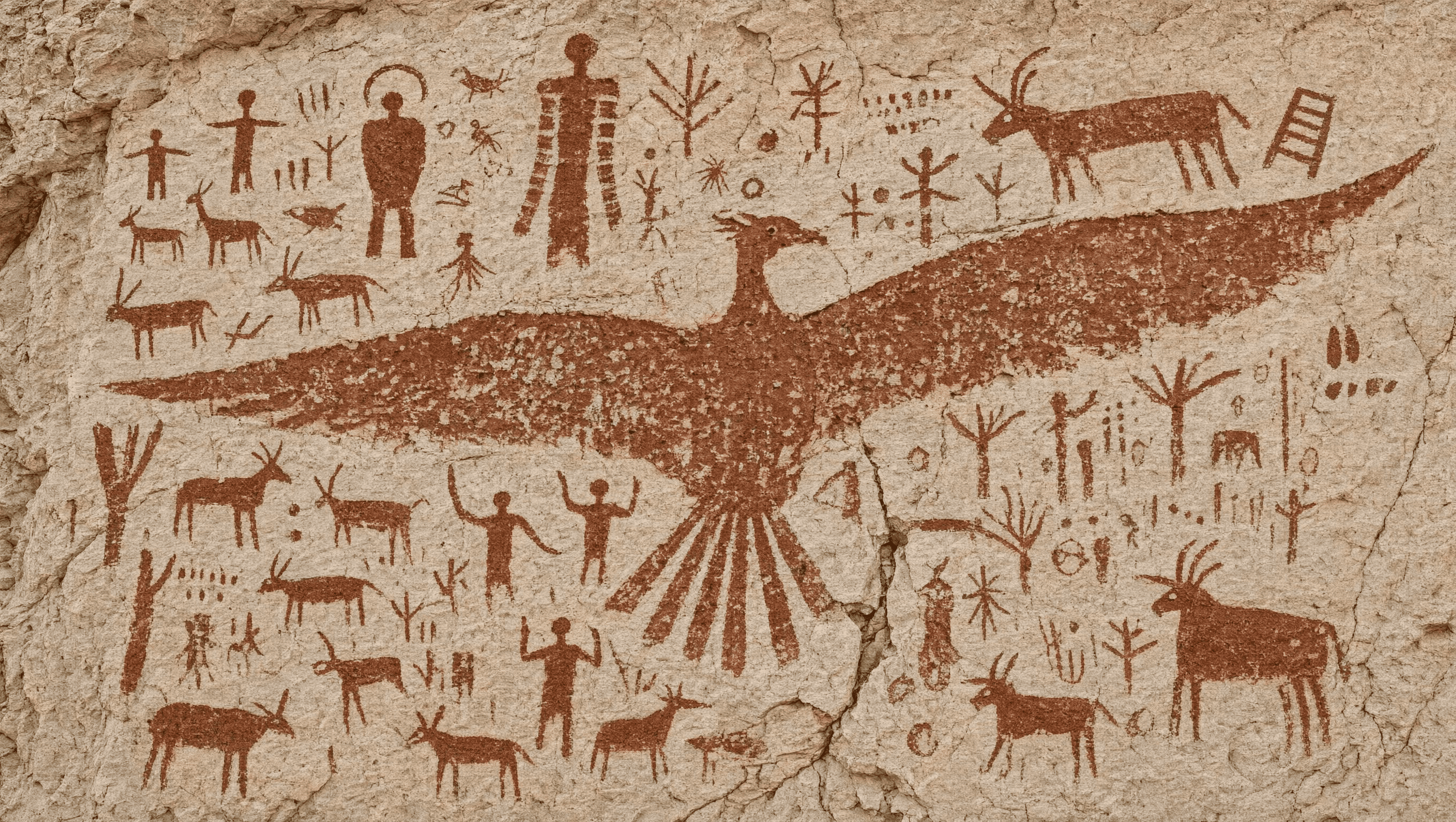
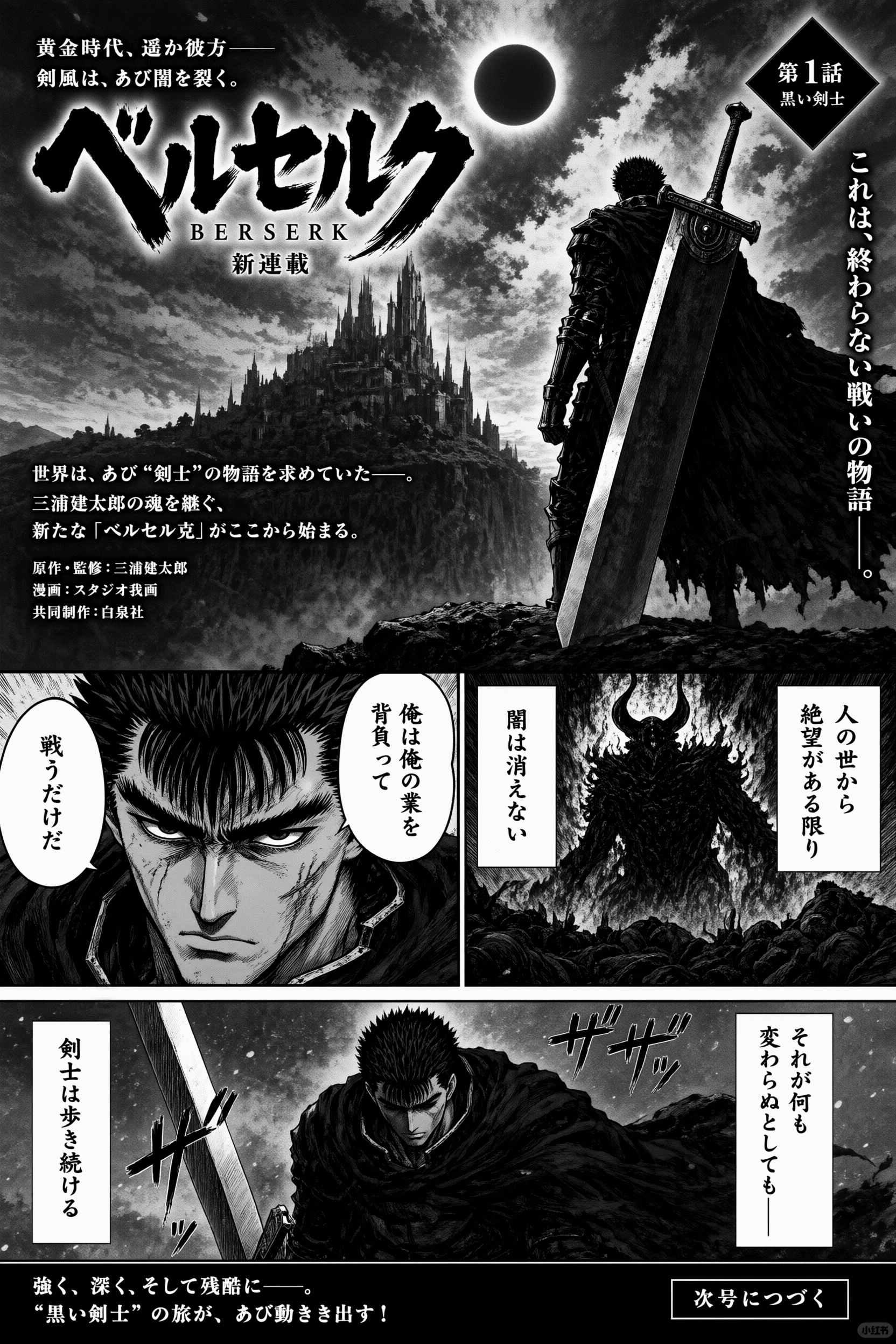

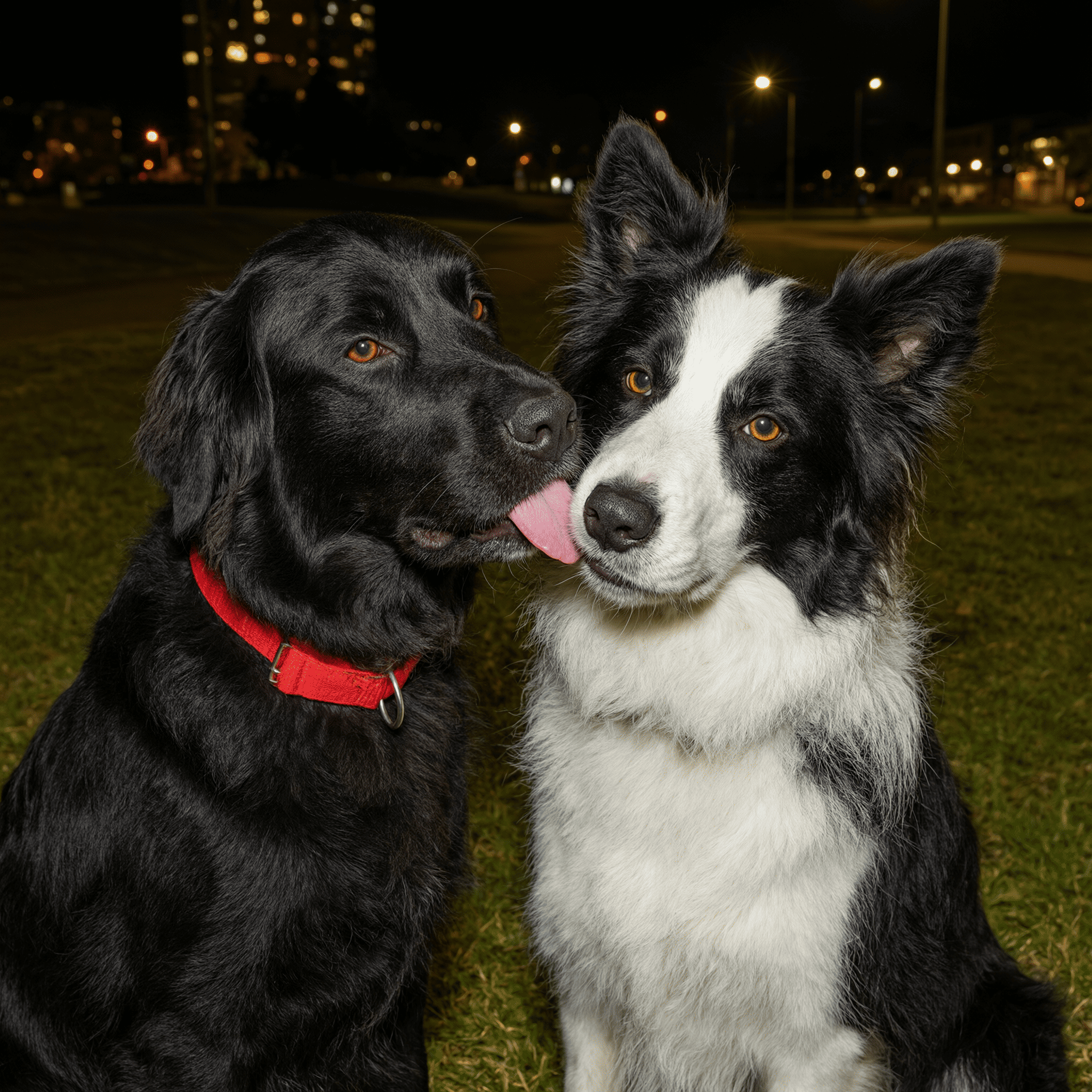
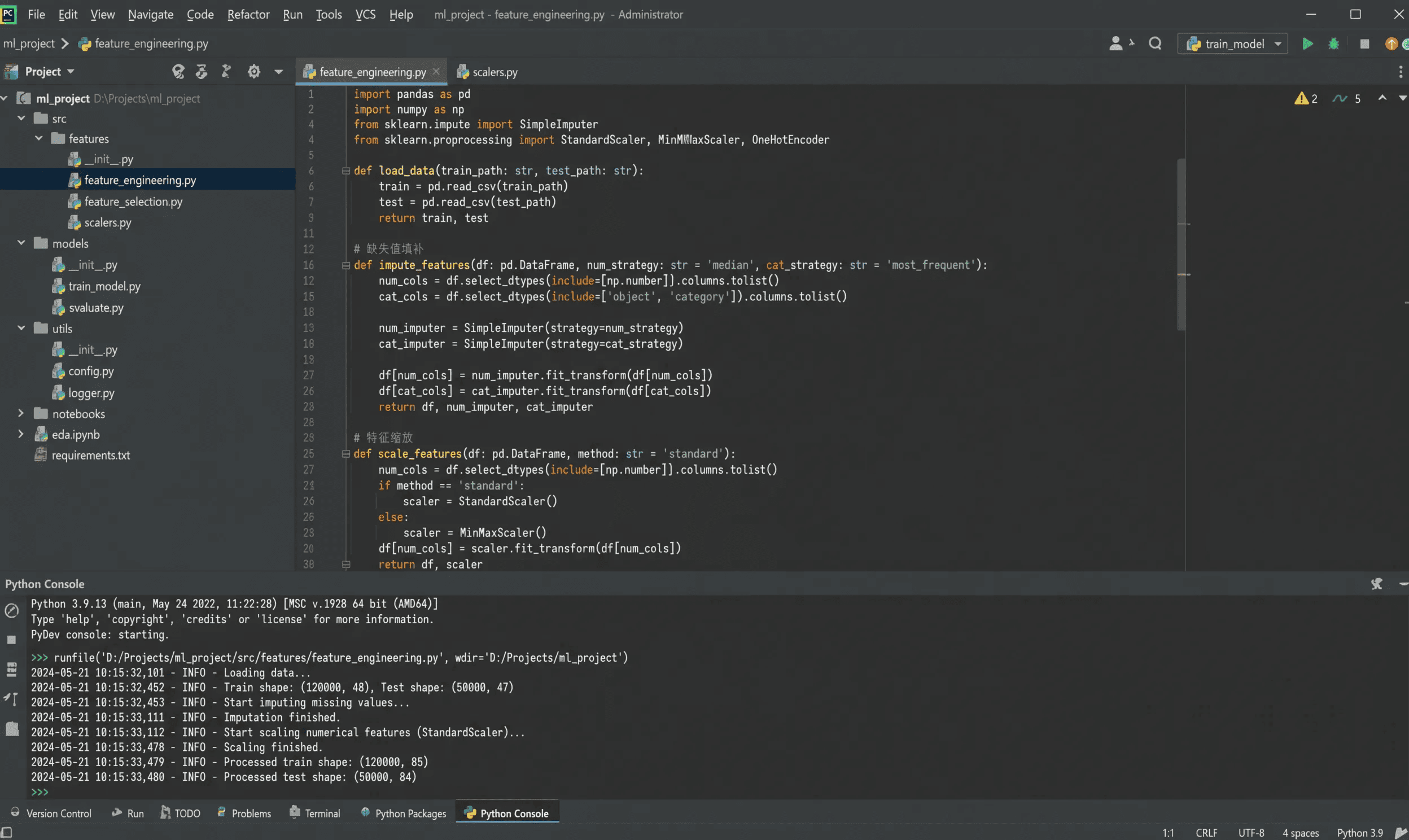
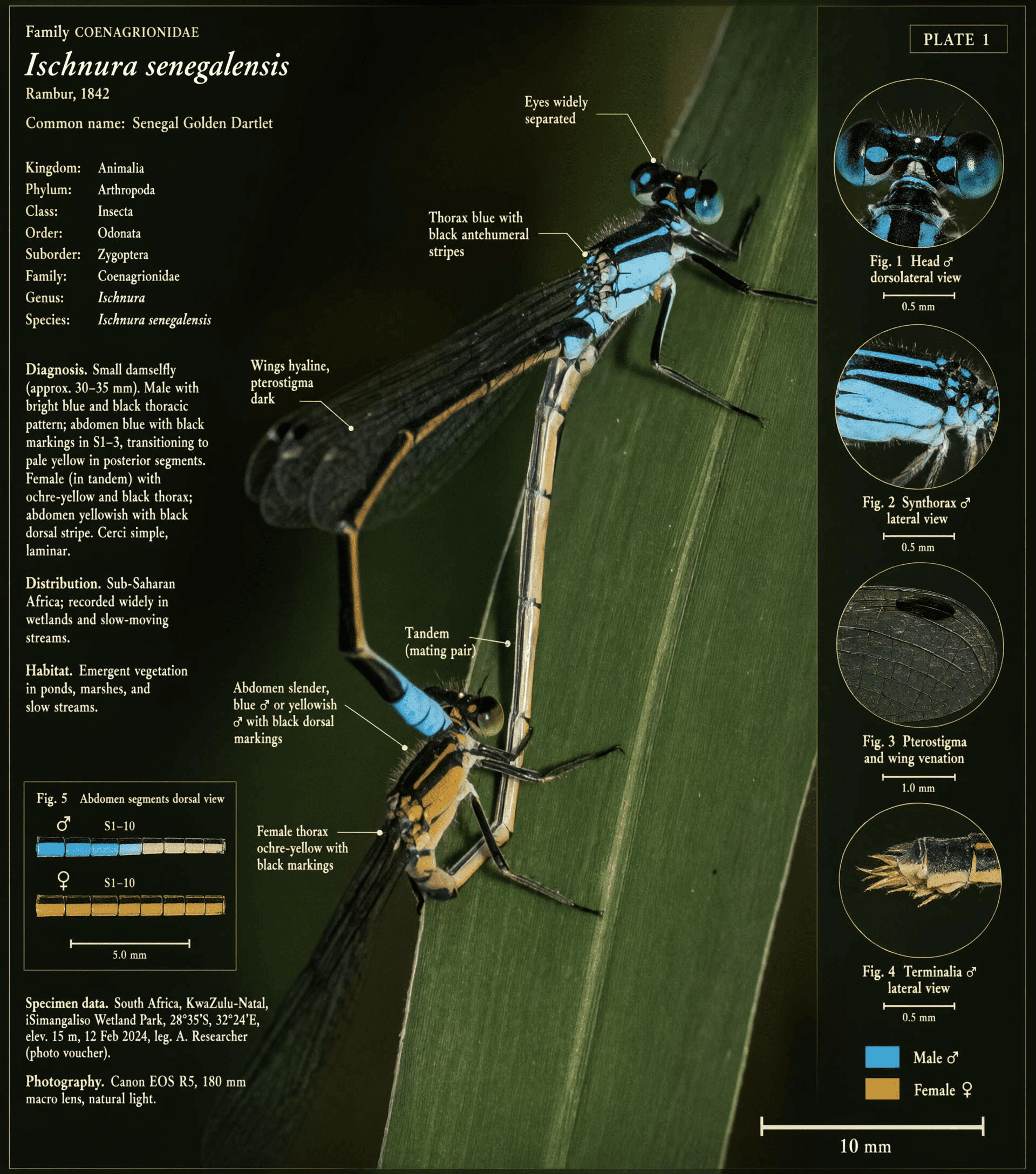
Core capabilities
Build the prompt around the information the image must carry, not only the style it should imitate.
Define panels, columns, labels, subjects, hierarchy, and reading order in one structured brief.
Specify exact copy, small objects, surfaces, lighting, and close-range detail that must remain legible.
Combine multilingual typography with editorial, cinematic, illustrative, academic, or interface direction.
Plan storyboards, diagrams, posters, product explanations, teaching material, and content-ready compositions.
Simple workflow
A clear brief makes information-rich outputs easier to review and refine.
Name the output first: storyboard, infographic, interface, poster, portrait, or teaching figure.
Describe panels, columns, focal points, subject positions, reading order, and image hierarchy.
Include the required text, language, objects, palette, lighting, style, and material details.
Check text, hands, faces, small objects, alignment, and whether the visual communicates the intended idea.
Who it is for
Use structured generation when the image needs to explain, organize, or guide—not simply decorate.
Draft screens, dashboards, product explainers, feature diagrams, and campaign layouts with an explicit hierarchy.
Create diagrams, field plates, academic figures, study notes, and visual explanations for dense topics.
Build storyboards, manga pages, posters, social graphics, and editorial compositions with readable text.
Combine products, variants, labels, callouts, and lifestyle context in a single commercial visual.
Turn a detailed brief into portraits, environments, historical illustrations, and material studies for review.
Decision guide
Choose the workflow according to how much structure, text, and reviewable information the final image must contain.
| Comparison area | Qwen Image 3 | General workflow |
|---|---|---|
| Prompt scope | Long, structured briefs with multiple constraints | Short prompts centered on one subject or style |
| Text and layout | Exact copy, panels, labels, and reading order are first-class instructions | Text and layout often need separate cleanup |
| Output range | Interfaces, academic pages, storyboards, posters, portraits, and illustrations | Best for straightforward scenes and style exploration |
| Review focus | Composition, text accuracy, detail, and information hierarchy | Overall subject, style, lighting, and mood |
Complex visual work
Use it when a single image must coordinate many instructions without losing visual coherence.
Put the subject, layout, text, supporting objects, and visual hierarchy into one production brief.
Design labels, titles, captions, and multilingual typography together with the rest of the composition.
Work toward deliverables such as storyboards, explainers, posters, interfaces, and teaching visuals.
Qwen Image 3 FAQ
Qwen Image 3 is the third-generation image model in the Qwen-Image series, focused on structured prompts, text-rich composition, multilingual typography, and detailed visual creation.
You can open this ImageMake workspace and prepare a prompt for free. Generation availability and credit use depend on your current account and plan.
Start with the output type and subject, then describe layout, reading order, exact text, visual style, lighting, palette, and the details that must remain clear.
Qwen Image 3 is positioned for multilingual image creation. State the exact language and copy in the prompt, then review spelling and typography before publishing.
Text rendering is a core use case. Results still need review, especially for long passages, small labels, names, numbers, and specialized terminology.
Strong use cases include storyboards, infographics, interfaces, academic figures, posters, product explainers, multilingual editorial layouts, and detailed portraits.
Yes. Add a reference when identity, product appearance, composition, palette, or visual constraints need to remain consistent, and describe what should be preserved or changed.
Turn a structured brief into a detailed visual workflow for text, layouts, interfaces, storyboards, and more.
Create with Qwen Image 3